Getting started
How to Set Up Your Google Business Profile
Get the basics right, from claiming your listing to choosing categories, setting your service area, and adding the details customers need.
TLDR
- Search for an existing listing before you create a new profile.
- Use accurate business details and show only the places you actually serve.
- Complete the verification steps offered in your account, then keep the profile current.
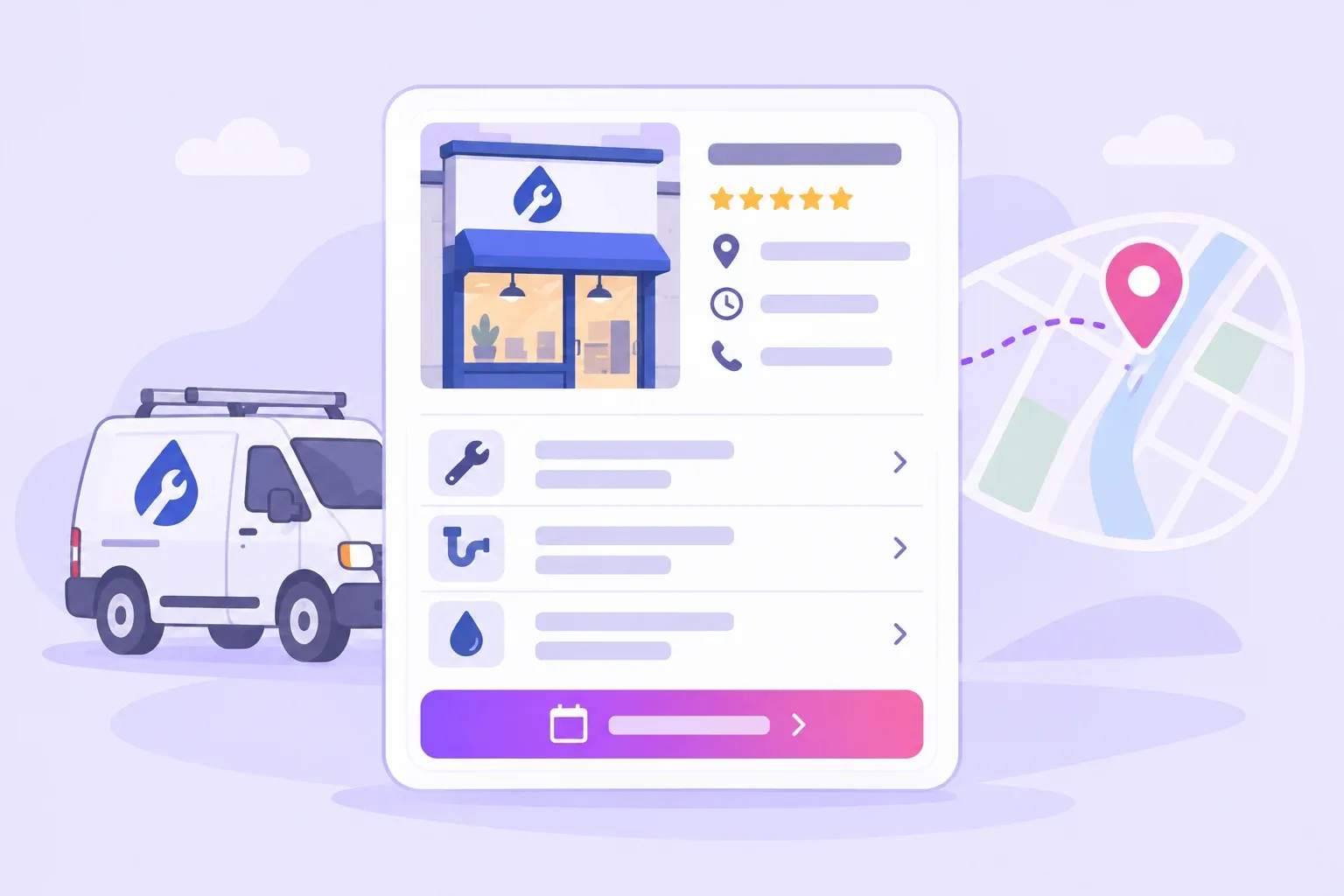
A homeowner who needs a plumber should be able to find your business, understand what you do, and reach you without extra work. Your Google Business Profile is one place to make those details clear.
This guide walks through the first decisions for a local service business. Keep your business details in one document as you work, so your website and other listings use the same information.
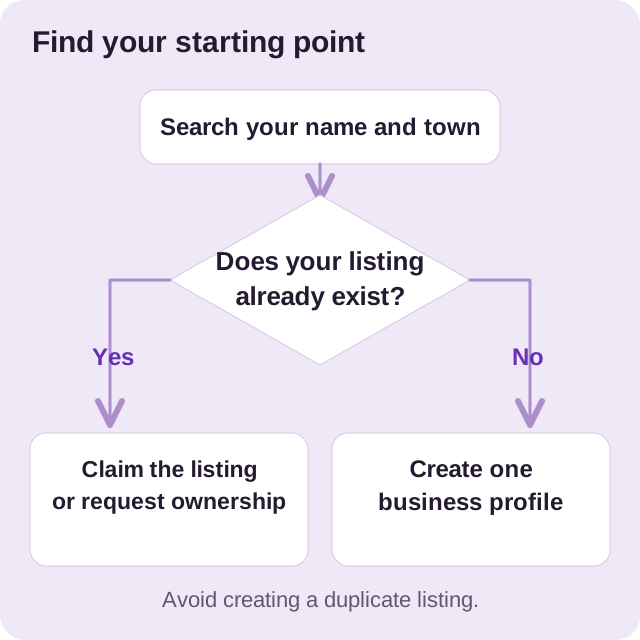
Check for an existing listing
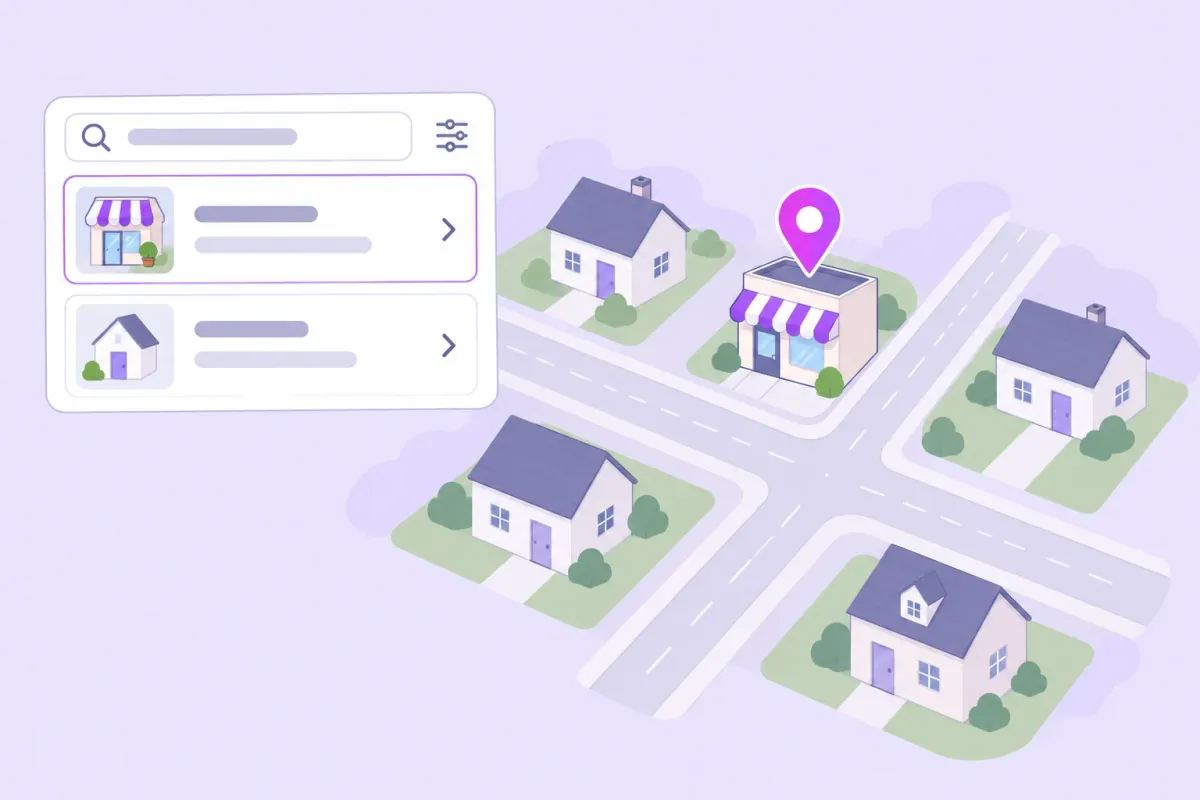
Search Google Maps for your business name and town before you create a profile. If a listing already exists, use the claim option. If someone else controls it, use the ownership request process rather than make a duplicate.
For a new listing, start at Google’s business setup page and follow the prompts. Adding or claiming a profile is free. See Google’s add or claim instructions for the current process.
Use a Google Account that you can keep under business control. Record which account you used, and make sure its recovery details are current. When a team member helps later, use the manager invitation process.
Choose your business type and service area
Your profile must describe how you actually serve customers. If customers visit your premises, the location must meet Google’s requirements. If you travel to customers and do not serve them at your address, hide that address from the public listing and specify your service area.
Use your real business name, without adding search phrases. Choose the category that best describes your main business, and add only other categories that apply. These are part of Google’s business representation rules.
For example, an Aberdeen plumber might serve Aberdeen, Pinehurst, and Southern Pines. List the places you can reliably reach. A long list of towns is not a substitute for a sensible travel schedule or clear service information.
Add the details a customer needs
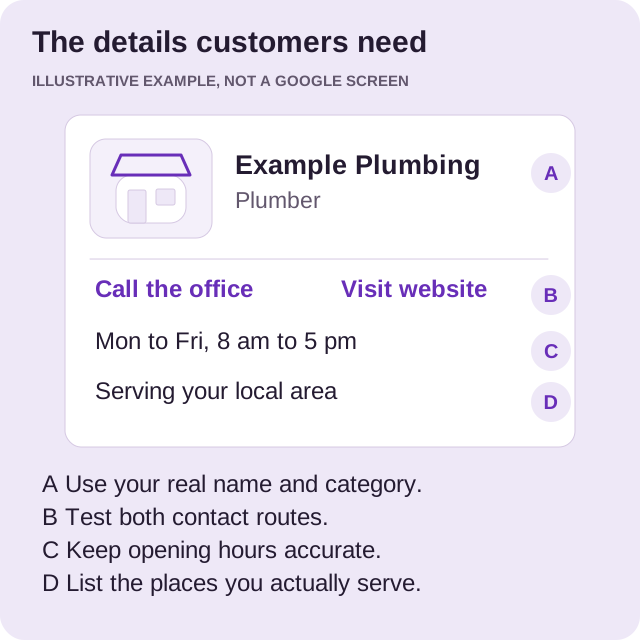
Work through your profile with a customer’s questions in mind:
- What can you fix? List the services you actually offer, using names your customers understand.
- How can I reach you? Check the phone number and website address carefully.
- When are you available? Enter accurate hours and review them before holidays.
- What should I expect? Write a short description of your work and the customers you serve.
- Who will arrive? Add real photos of your team, vehicles, and completed work where you have permission.
A useful description for a small plumbing business could explain that it repairs leaks, replaces water heaters, and serves homeowners in Moore County. It does not need a string of repeated town names or promises about being the best.
Before you continue, call the number and open the website from another device. This simple check can catch a typing error before a customer finds it.
Complete verification
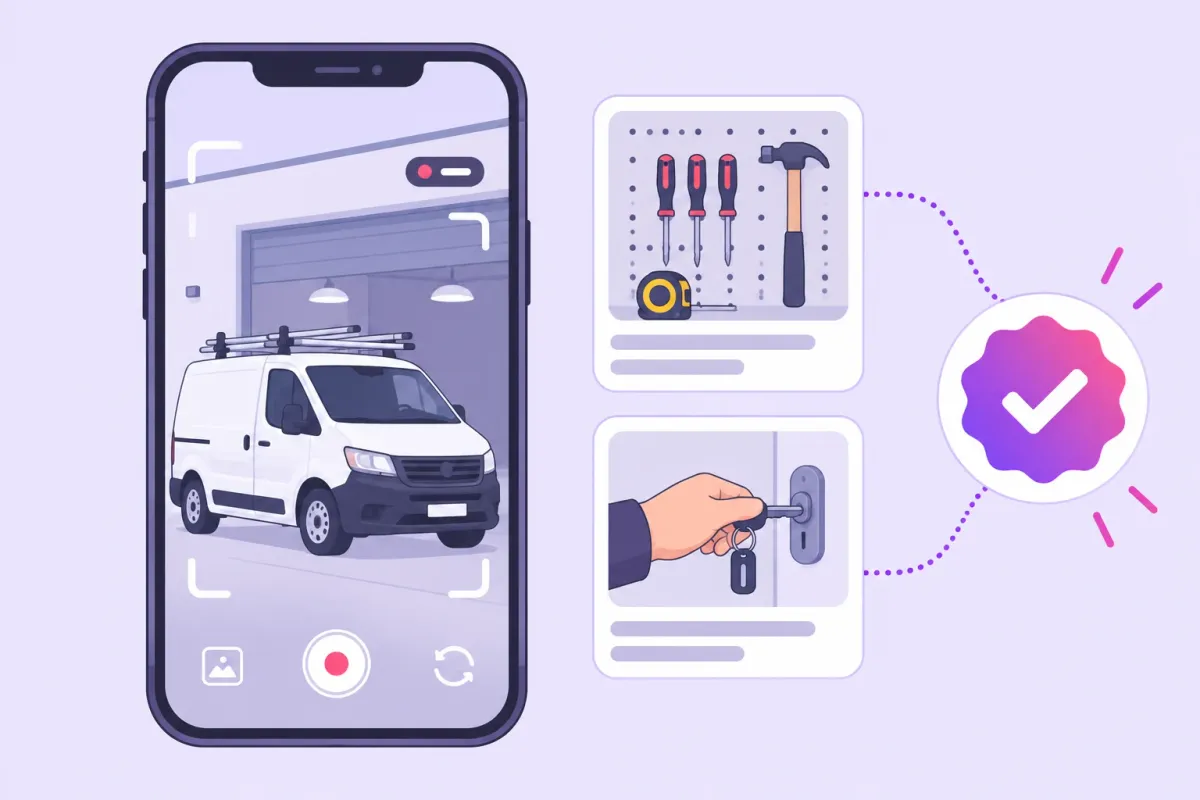
Google asks you to prove that you represent the business. Use the verification options shown in your account. The available methods can differ between businesses, so do not plan around a method that your profile does not offer.
Our verification guide explains what to prepare, including a focused checklist if Google asks for a video.
Keep your profile useful after setup
Set a recurring reminder to review your business details. Assign one person to check new feedback, update changed hours, and gather recent work photos. Keep a short record of important edits so your team knows what changed.
Next, build a simple review request routine. Then work through the local SEO first month plan to connect your profile with the rest of your online presence.
If you want help with these tasks, see our Google Business Profile management service.
Want a hand with your profile?
Tell us about your business and the towns you serve. We can help you decide what to work on next.