Profile verification
How to Verify Your Google Business Profile
Find your available verification method, prepare proof of your business, and know what to do if Google asks you to try again.
TLDR
- Use the verification methods offered in your Business Profile.
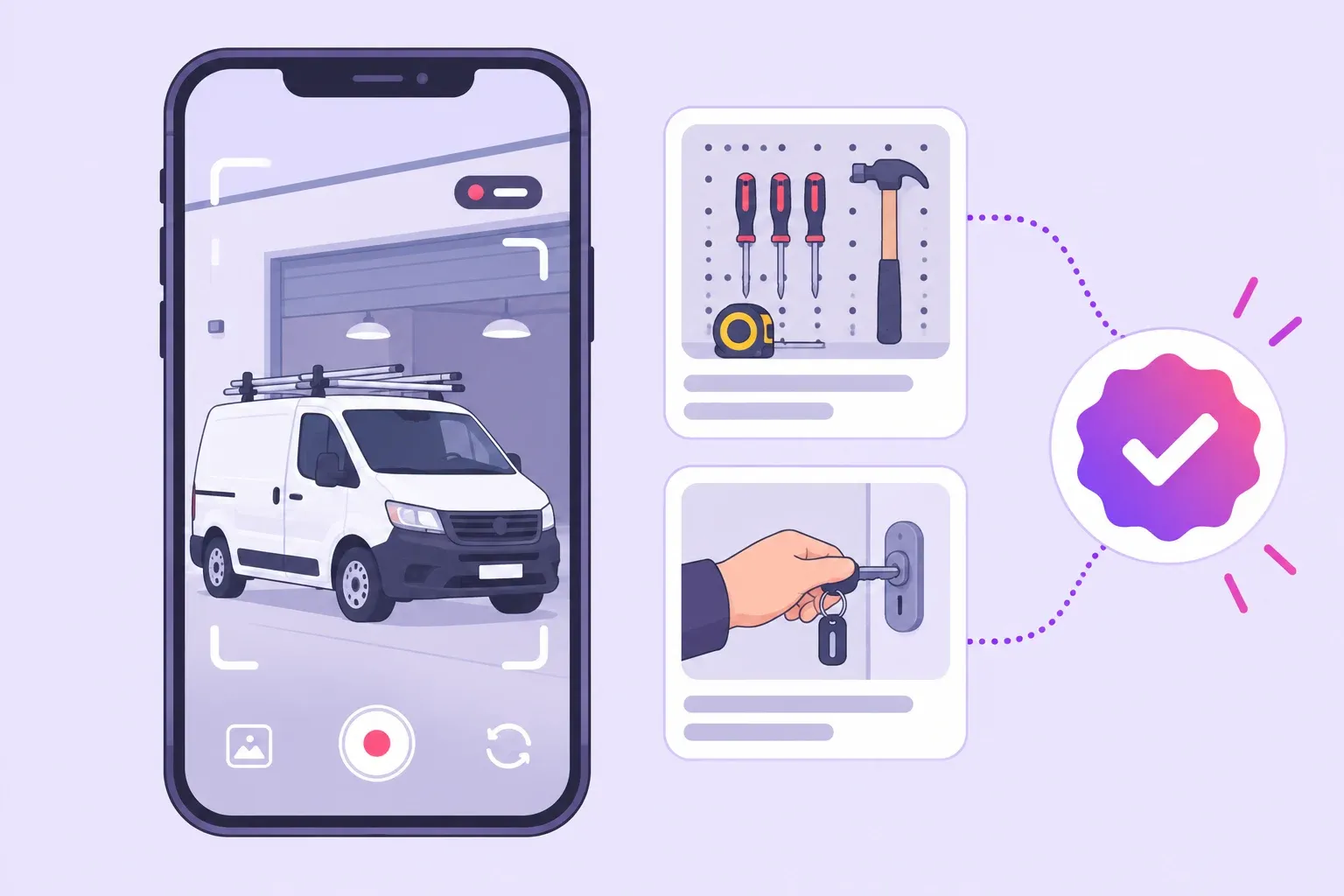
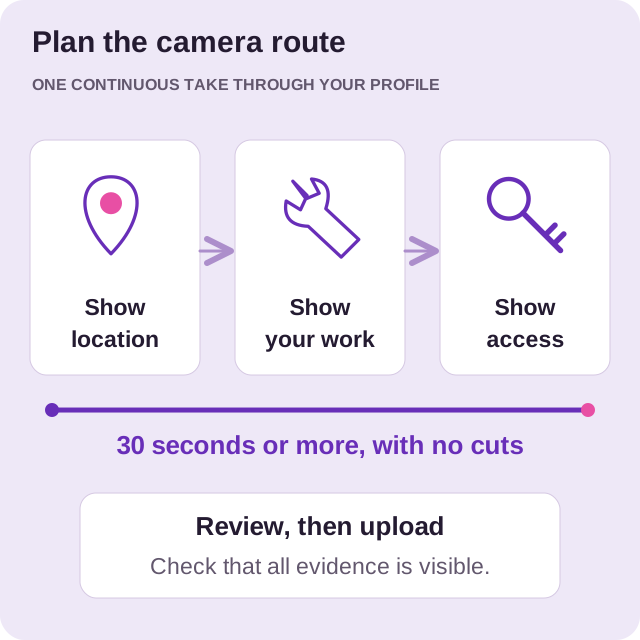
- If video is required, prepare evidence of your location, business activity, and management access.
- Record through the profile, review the result, and correct any issues Google identifies.
Verification is the step where Google checks that you can represent your business. A clear plan helps you show the right evidence without interrupting a full day of service calls.
If you have not created or claimed your listing, start with the profile setup guide. Check your business name, location, and contact details before you begin.
Check your verification options
Sign in to the account that manages your profile and select Get verified. Google decides which methods are available. You may see video, phone, email, mail, or another option, and more than one method may be required.
Follow the instructions shown for your business. You cannot require Google to offer a different method. Keep verification codes private and enter them only through the official process. Google’s verification help explains the available methods and review process.
Set aside a quiet period to work through the task. If the business owner needs to be present, arrange that before starting. Keep your account details available so that a forgotten password does not stop the process halfway through.
Prepare your evidence
Think about the questions your evidence needs to answer: where does the business operate, what work does it do, and can you show that you manage it?
For a contractor, gather the tools and business materials you use during a normal working day. Plan a route through the location so that you can show the evidence in a clear order. If a teammate helps you prepare, explain which items you need and where they should be.
Do a practice walk without recording. Check that signs are readable, the area has enough light, and you can reach each item without stopping to find a key. Charge your phone and choose a time when customers will not be in the shot.
Record a verification video
If video recording is offered, Google’s requirements include:
- Record through your Business Profile on a mobile device, rather than upload an earlier recording.
- Make one continuous, unedited video of at least 30 seconds.
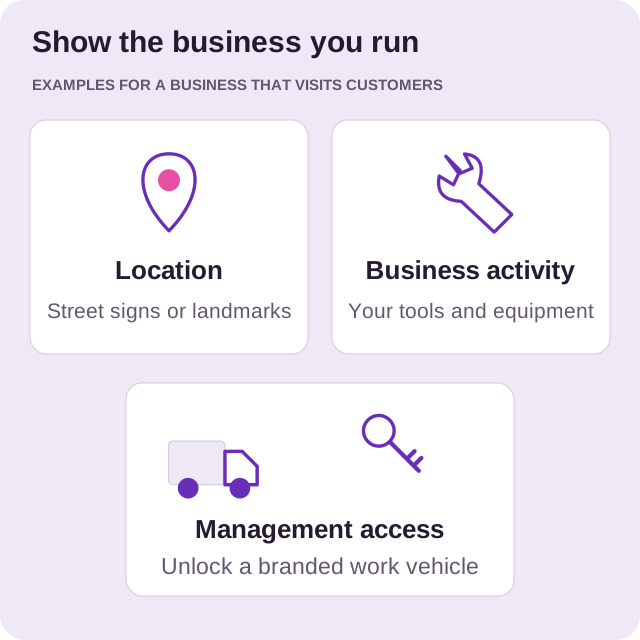
- Show location evidence, such as a street sign or building number.
- Show the business itself, such as permanent storefront signage or tools used for your service.
- Demonstrate management access, such as unlocking a branded work vehicle or an employee area.
- Keep private information and other people’s faces out of the recording.
A storefront and a business that travels to customers need different evidence. Read Google’s video requirements for your business type before filming, then review and submit through the profile.
Follow up on the result
Google says video review can take up to five business days. If the video is rejected, check Review issues, correct the missing evidence, and submit a new complete recording. Use the official help options if the available verification process still fails.
Keep a note of the submission date and any issue Google identifies. That gives you and anyone helping you a shared record, so the next attempt addresses the actual problem.
Do not create a replacement listing just because a review is taking time. Keep working from the business profile you have already checked.
Take the next step after verification
Open the public profile and look at it as a customer would. Check the main business details and make a list of anything that is missing or unclear.
If someone will manage daily updates, invite them with the appropriate access. You can then set up a review request routine and connect the profile to your local SEO plan.
Our profile management team can help you organize the work and understand the next step in your account.
Want a hand with your profile?
Tell us about your business and the towns you serve. We can help you decide what to work on next.