Customer reviews
How to Ask for Google Reviews and Respond to Customers
Build a simple routine for requesting honest feedback, sharing your review link, and writing useful replies.
TLDR
- Test your review link and make an honest feedback request part of finishing a job.
- Do not offer rewards or ask for a specific star rating.
- Reply to the actual feedback and use recurring concerns to improve your work.
A review request works best as a normal part of finishing a job. The goal is to make it easy for customers to describe their experience, while giving your team a clear way to respond.
For a small home service business, a short process that someone actually follows is more useful than an elaborate campaign. Start with one request message, one responsible person, and a regular time to check feedback.
Get your review link ready
Open your verified Business Profile and look for the review request option. Google lets you share a review link or QR code. Test the link before putting it into a message or printed card, and make sure it opens the right business.
Customers need a Google Account to leave a review. If your profile is not ready, follow the verification guide first. Google’s review help page explains the request options.
Keep the approved link in one place that your office team can find. If you print a card, try scanning it from a finished copy before ordering a large quantity.
Build a simple request routine
Our suggested starting process is to include a neutral request with the normal job completion message. Make it part of the same checklist your team uses to send a receipt or care instructions.
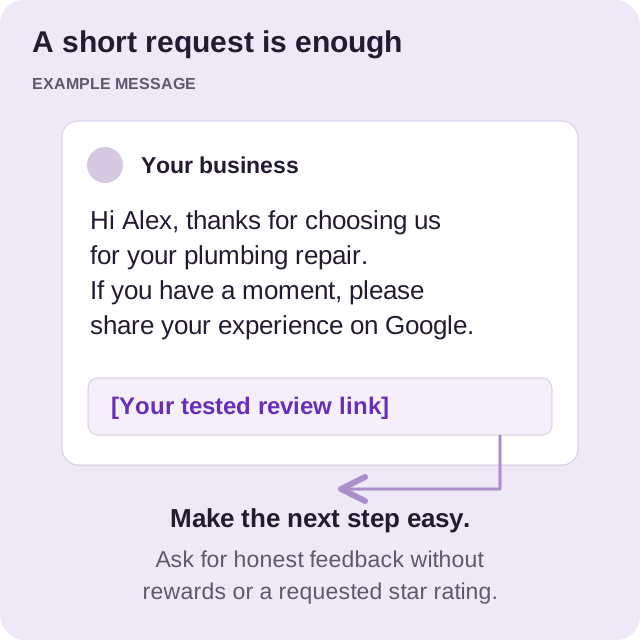
Here is an example you can adapt:
Hi Alex, thank you for choosing us for your plumbing repair. If you have a moment, please share your experience on Google: [your review link]. Your feedback helps us understand how the visit went.
Use the customer’s name and the correct service where appropriate. Keep the request brief and leave them free to decide whether to respond. Do not send repeated reminders when someone has chosen not to leave feedback.
Google prohibits incentives in exchange for reviews or changes to reviews. Ask for honest feedback without a discount, gift, or requested star rating. Treat the request as a chance to listen, including when a customer has concerns.
Reply to customer feedback
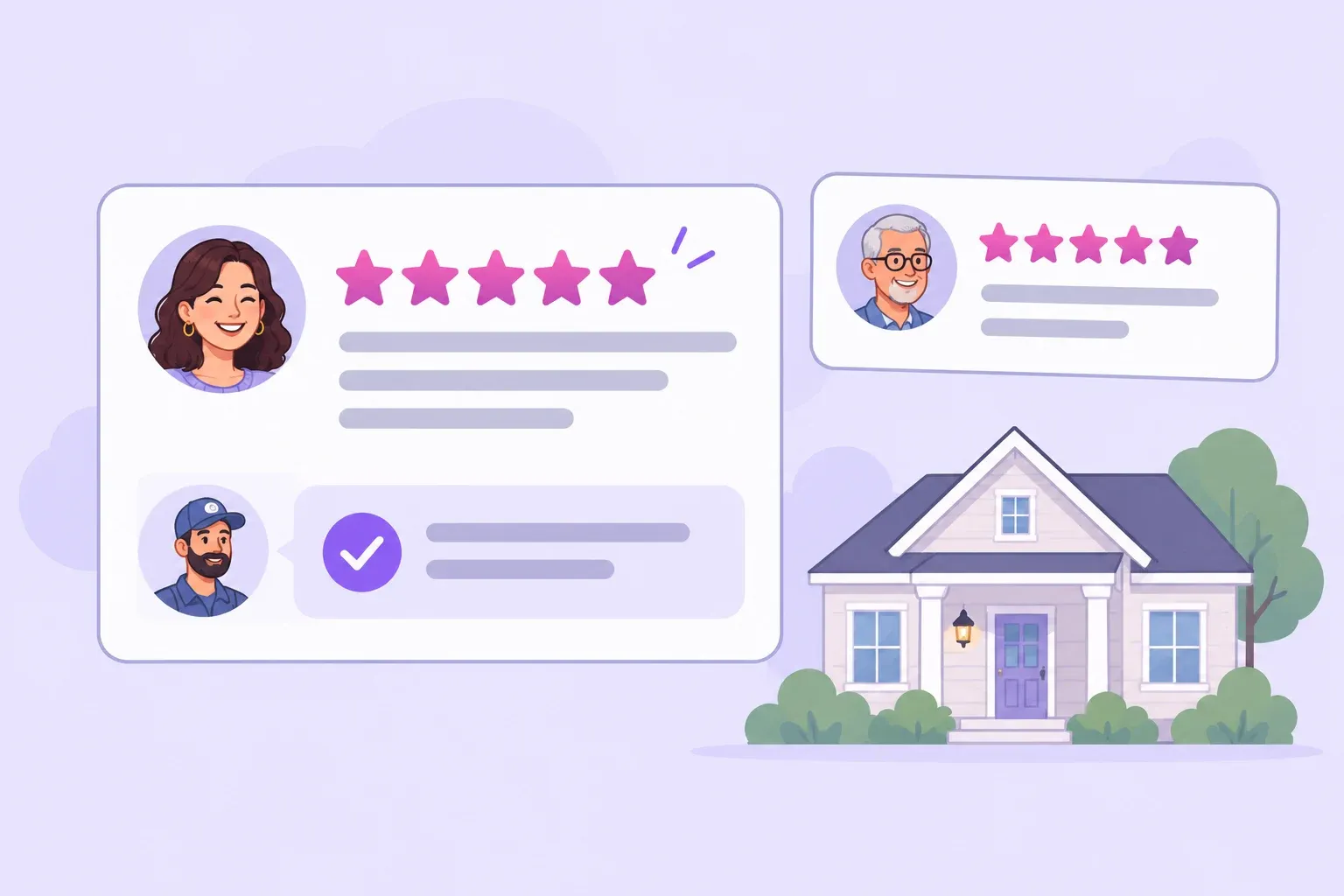
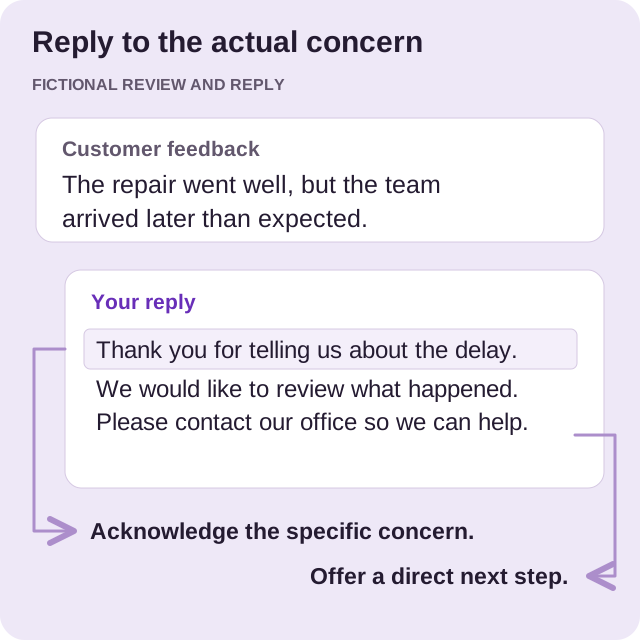
A useful reply acknowledges the point the customer made. Keep it courteous, relevant, and brief, and avoid turning it into an advertisement. If an issue needs more discussion, offer a direct contact route without publishing private customer information.
For a positive review, you could write:
Thank you, Alex. We are glad the repair visit went smoothly, and we appreciate you taking the time to share your experience.
For a complaint about arrival time, you could write:
Thank you for telling us about the delay. We would like to review what happened and discuss it with you. Please contact our office so we can help.
These are starting points, not replies to paste under every review. Read the feedback first, check what happened with the team, and write a response that fits the situation.
If an employee will handle this work, give them manager access and agree on which complaints need the owner’s attention.
Use feedback to improve the work
Set aside time each week to review recurring themes. Are customers confused about arrival windows? Do they mention that explanations were helpful? Use those observations in your team meeting.
Keep a small internal note with the issue, the person responsible, and the action taken. For example, repeated questions about cleanup could lead to a clearer job completion checklist. That makes reviews useful to your operations as well as to future customers.
Measure whether your team sends the agreed requests and closes unresolved concerns. Avoid judging the process only by the number of stars collected in a week.
Connect reviews to your wider plan
Reviews are one part of how customers assess your business. Your website and profile should also agree about your services, contact details, and service area.
After your request routine is working, return to the profile details checklist and look for any questions that recent reviews suggest you should answer more clearly.
For ongoing help, explore our Google Business Profile management service.
Want a hand with your profile?
Tell us about your business and the towns you serve. We can help you decide what to work on next.